
Hi everyone, we want to share an important update with you, and we’d like to be open about it. It affects how many of you send WhatsApp messages through OTPIQ, so here is the short version, followed by the details.
What happened
Meta made clear that sending through a shared WhatsApp account goes against its terms.
Who is affected
Any business sending WhatsApp messages through OTPIQ’s default shared account.
What to do
Verify your Meta business portfolio and connect your own WhatsApp account.
What is happening?
Today, many businesses send their WhatsApp messages through OTPIQ’s default account. It’s one shared WhatsApp account that many businesses use, and it has worked well for a lot of you.
Since October 1, Meta has made it clear that this model goes against its Terms of Service, and that it is not part of Meta’s long-term vision for the platform. Meta wants every business to send messages as itself, from its own verified account.
We don’t see that as a problem to work around. OTPIQ’s long-term goal is to stay aligned with Meta’s policies, so we’re changing how WhatsApp sending works, and we’d like to help you through the change.
How many businesses send today
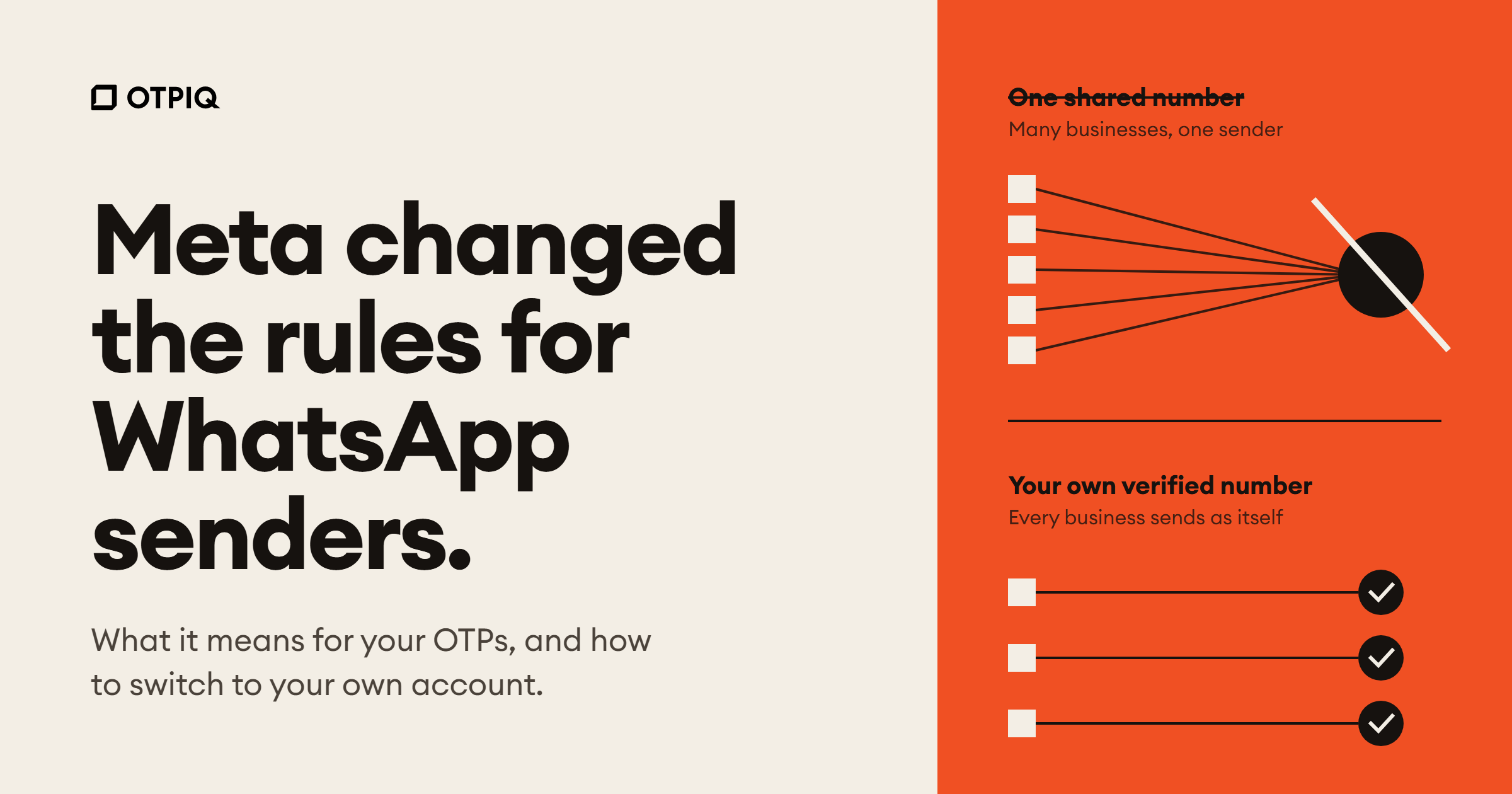
One shared account for everyone
Messages from many different businesses leave from the same WhatsApp account.
How Meta wants it to work
Every business sends as itself
Each business is verified with Meta and sends from its own WhatsApp account.
Who is affected?
This applies to you if you send WhatsApp messages (OTPs, notifications, or anything else) through OTPIQ without your own connected WhatsApp account.
You’re all set if you only send SMS, or you already send through your own WhatsApp account. There’s nothing you need to do.
Not sure which group you’re in? Message us and we’ll check your account for you.
What should you do?
We encourage every business to move to its own WhatsApp account. It’s quicker than it sounds, and we’re here for every step.
Verify your Meta business portfolio
In Meta Business Suite, open your business settings and start Business Verification. This confirms your business is real, and everything else builds on it. If it’s already verified, you’re ahead of the game.
Set up your own WhatsApp account
Already have a WhatsApp Business account? Great, skip this step. If not, create one under your verified portfolio, using your own number and business name.
Connect it to OTPIQ
Send our support team a message. We’ll connect your account so your messages go out as your brand, not through a shared one.
Why it’s worth it
Your customers see your business name on every message. You build your own sending reputation, and you no longer depend on a number shared with other businesses. It’s better for trust, and better for delivery.
What happens to the shared account?
We’re not switching it off. OTPIQ will keep looking after the shared WhatsApp account and maintain its quality as well as we can, for both delivery and reliability.
We do want to be honest with you about one thing:
Please plan for this
We can no longer guarantee the reliability this channel had before. Because Meta no longer supports this model, messages sent through the shared account may be delayed, limited, or blocked. If WhatsApp matters to your business, we strongly recommend moving to your own account soon.
Going forward
Here’s what to expect from us:
- Shared account: stays available on a best-effort basis. We’ll keep its quality as high as we can, but without a reliability guarantee.
- Your own account: the recommended, fully supported way to send on WhatsApp.
- SMS: not affected. It remains a reliable option, and a good fallback.
- OTPIQ: we’ll keep following Meta’s policies and tell you early about anything that affects you, so you’re never caught off guard.
Thank you for trusting us with your messages. We’re committed to making this change as smooth as possible.
Talk to us
Questions, doubts, or just want a hand getting started? Reach out any time. We’d love to help.
Need help with this change?
We’ll set it up with you.
Tell us you’re moving to your own WhatsApp account. Our team will guide you through verification and connect it for you.
- #whatsapp otp
- #meta business verification
- #whatsapp business api
- #otpiq
- #iraq
- #policy update